Checks
Checks in Nexus
Checks let you apply checks to your commands. Checks are entirely optional, and commands will execute fine without any checks being defined. They execute sequentially, and can be re-ordered in the same way that commands and actions can.
Checks come in two forms, Command Checks and Data Checks. You can add either of them by clicking their respective buttons on the command interface.

Command checks
Command Checks allow you to prevent execution of a command if its outcome fails.
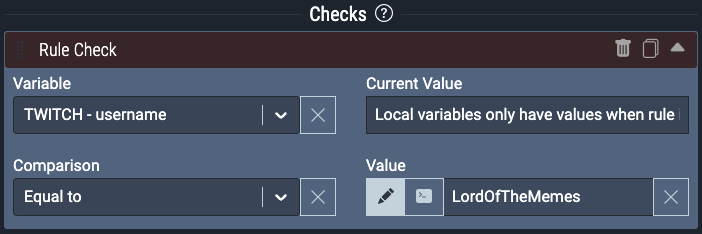
For example, you might want to check that the chatter that used a channel point redeem has a username equal to “LordOfTheMemes”, if it’s not, then don’t execute the actions.
Read more about command checks
Data checks
Data Checks allow you to lookup data and information from a range of sources. The result of these data lookups are exposed as local variables and can be used later in your command, in both subsequent checks and actions.
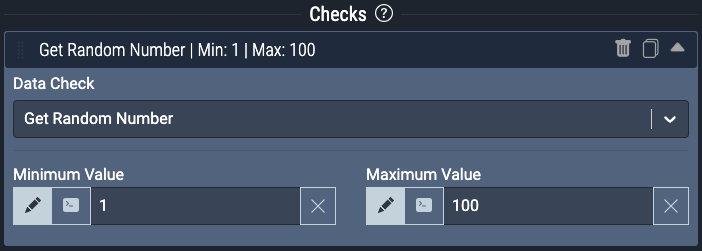
For example, you can use a built in function of Data Checks, Get Random Number. This will generate a random number between the two specified values. This number can be used as a local variable in other subsequent checks or in the commands actions: