OBS Action: Media Source: Stop
The Media Source: Stop action allows you to stop a media source in OBS. These are generally Audio and Video sources added as a ‘Media Source’ in OBS.
You may see other audio sources, such as microphones or audio input/output captures, show up in the Media Source dropdown inside Nexus for this action. These sources will not work with Nexus ‘Media Source’ action types, though it won’t cause any issues with Nexus or OBS.
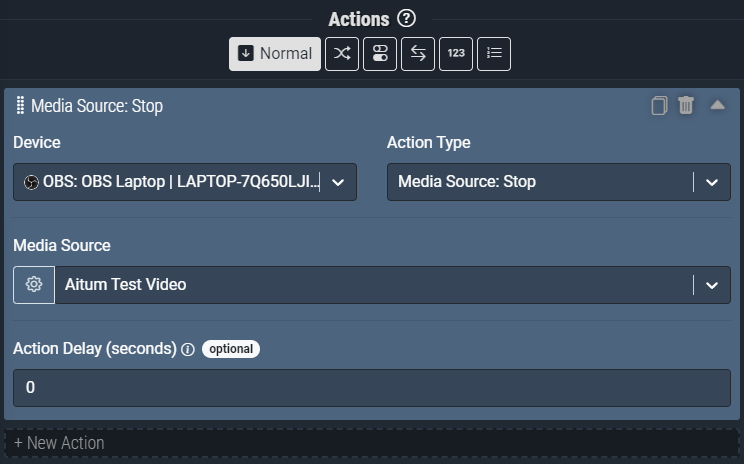
Screenshot: The Media Source: Stop action pictured above will stop playback of the Nexus Test Video in OBS.
Action Inputs
Media Source
The media source you would like to Stop.
| Type | Text (Dropdown) |
|---|---|
| Required | Yes |
| Allows Variables | Yes |
| Allows Template Text | No |